GladRoTools is a native macOS app that connects to Roblox Studio and gives you deep visibility into every asset in your place. Browse decals, sounds, meshes, and animations with full metadata. Prepare images and videos for Roblox. Audit performance, validate releases, and generate top-down map renders — all from your Mac.
The app talks to Roblox Studio through a local TCP bridge. A bundled Studio plugin polls the Mac app for commands and returns results. No cloud dependency for core features — your place data stays on your machine.
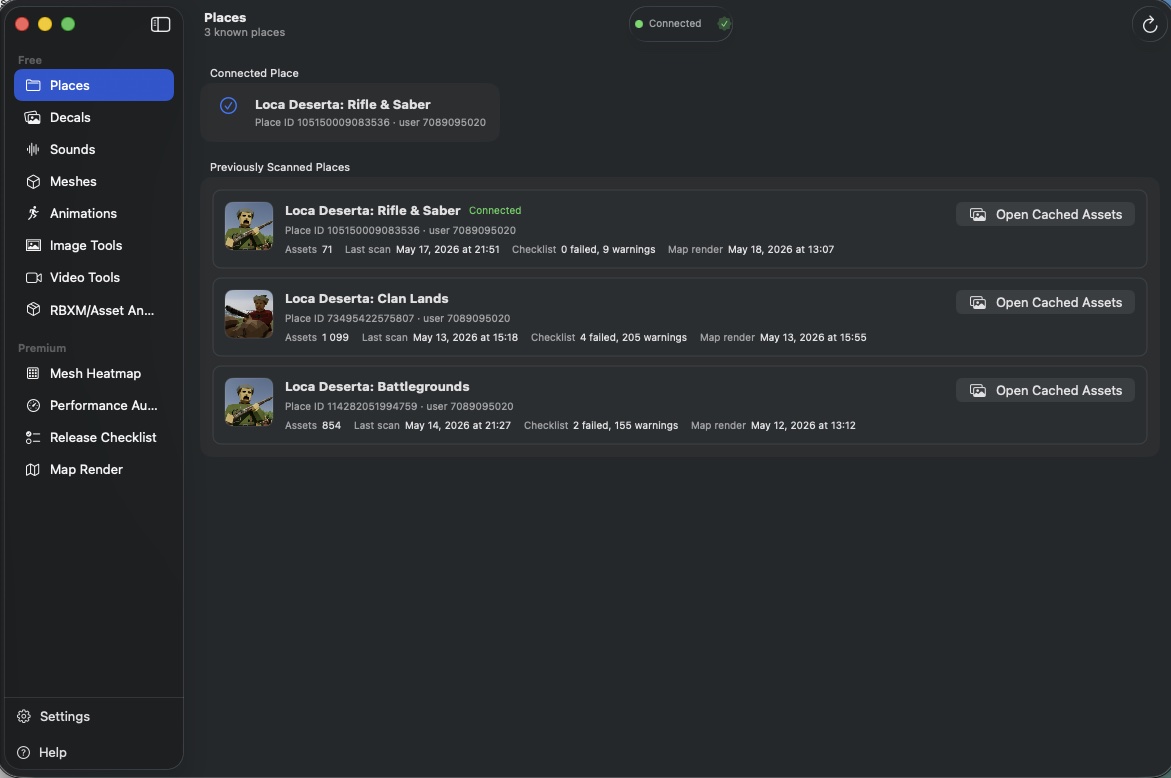
All Tools
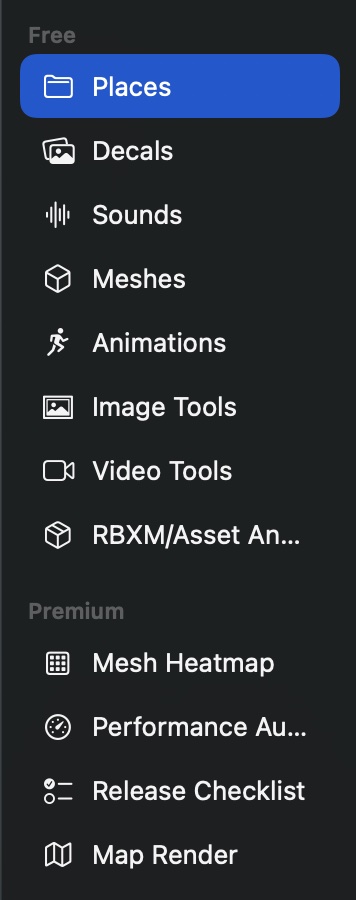
Free Tools
| Tool | What It Does |
|---|---|
| Places | Connected place overview, scan history, cached asset browser |
| Decals | Browse all images, textures, and decals with thumbnails and dimensions |
| Sounds | Browse all sound assets with in-app audio player and waveform view |
| Meshes | Browse all mesh assets with triangle/vertex geometry stats |
| Animations | Browse all animation assets with thumbnails and metadata |
| Image Tools | Compress, remove backgrounds, crop, and resize images for Roblox |
| Video Tools | Convert videos to TikTok/Shorts formats with trimming |
| Model Analyzer | Security scan .rbxm/.rbxmx files for malicious scripts and risky patterns |
Premium Tools
| Tool | What It Does |
|---|---|
| Mesh Heatmap | Top-down triangle density map with hotspot detection |
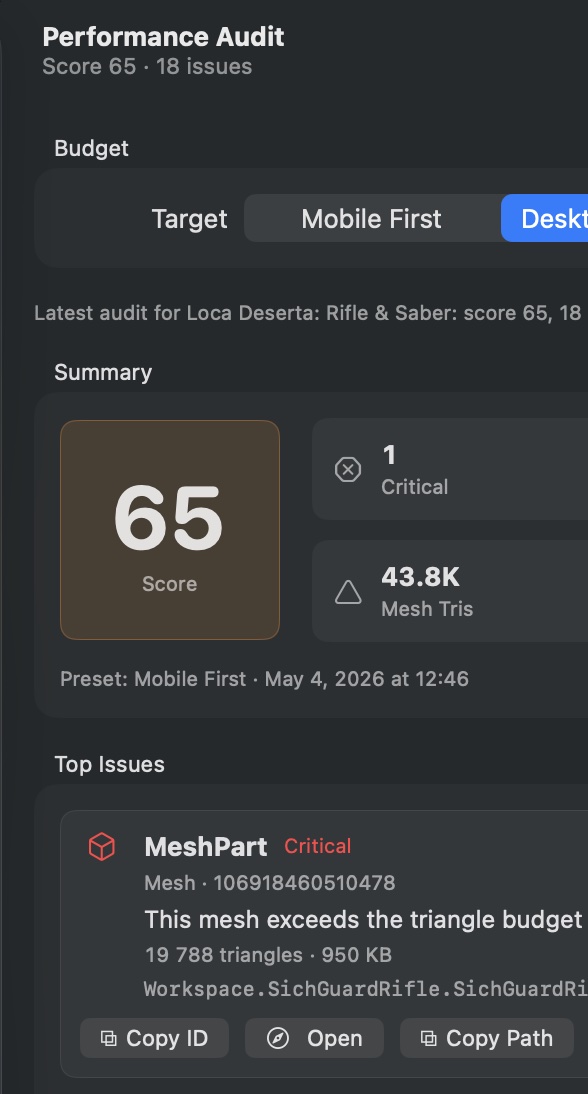
| Performance Audit | Scored audit against Mobile/Desktop budget presets |
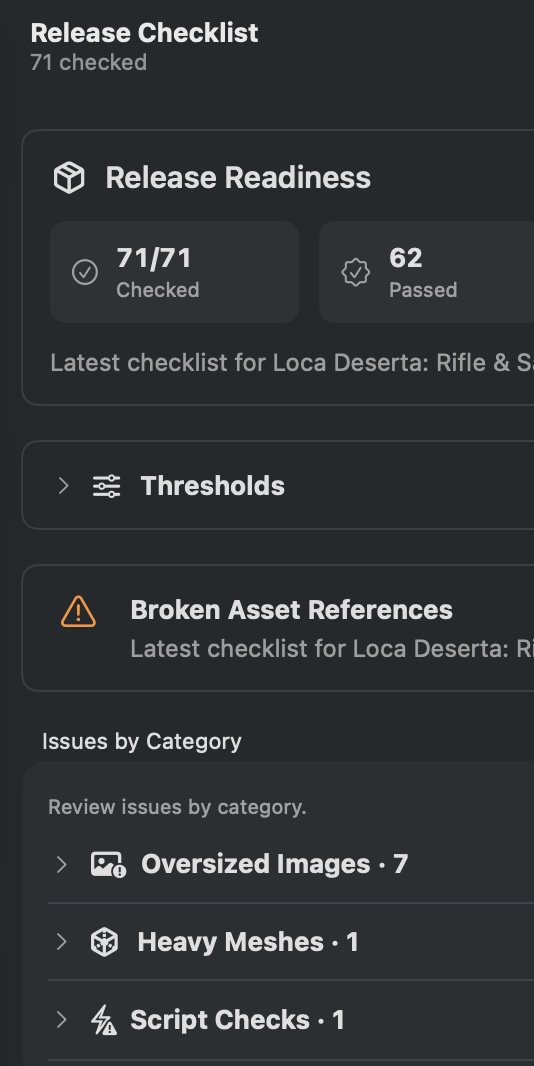
| Release Checklist | Pre-release validation of every referenced asset |
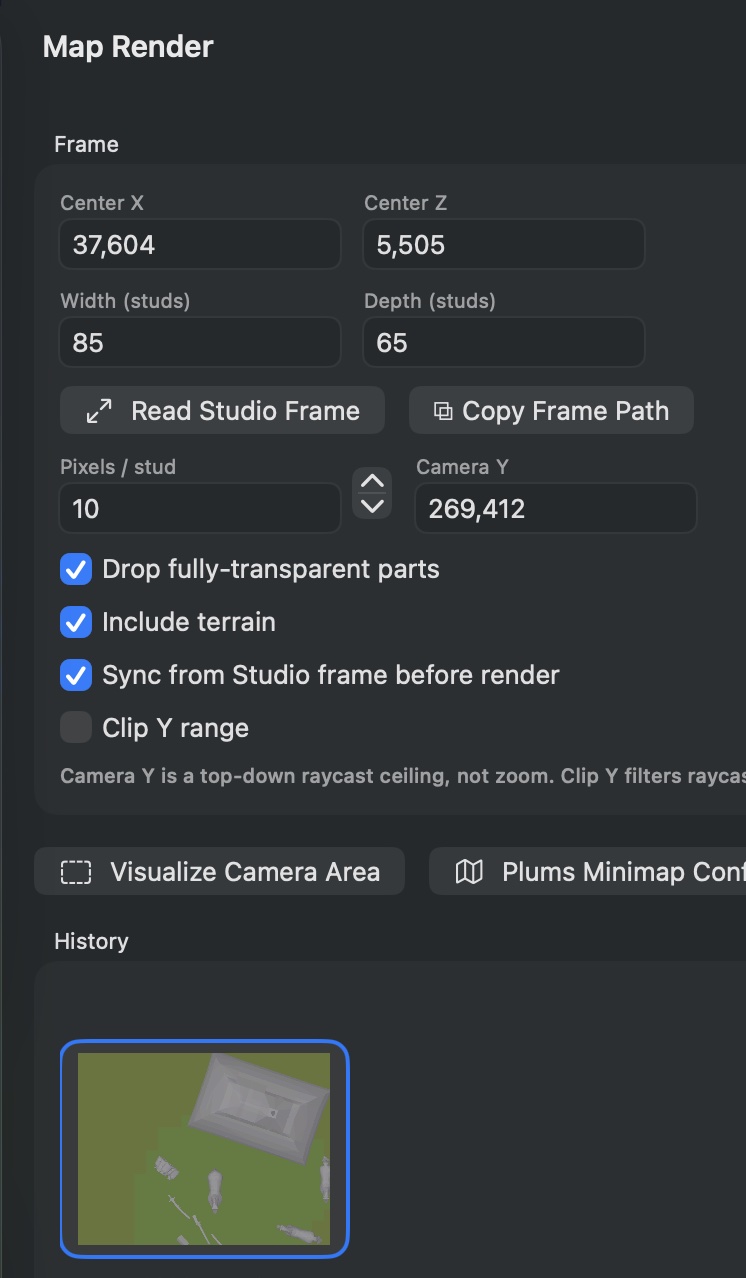
| Map Render | Top-down orthographic PNG renders via Studio raycasting |
Free vs Premium
| Capability | Free | Premium |
|---|---|---|
| Asset browsing (all types) | Full | Full |
| Image & video tools | Full | Full |
| Model security analyzer | Full | Full |
| Mesh heatmap | — | Unlimited |
| Performance audit | — | Unlimited |
| Release checklist | — | Unlimited |
| Map render | — | Unlimited |
| Export results (Markdown/PDF) | — | Included |
| Audit history & diffs | — | Included |
Premium requires a GladRoTools Pro subscription with a 7-day free trial.